
A kitchen scale appears at the top of your newsletter and in the comparison table of your review. Both links open the same shop page. When clicks start to appear, how can you tell which link readers used? Give each placement its own affiliate sub ID. This is a label you attach to a tracking link. On Awin, it’s called a click reference, or ClickRef.
Follow two labels into the report
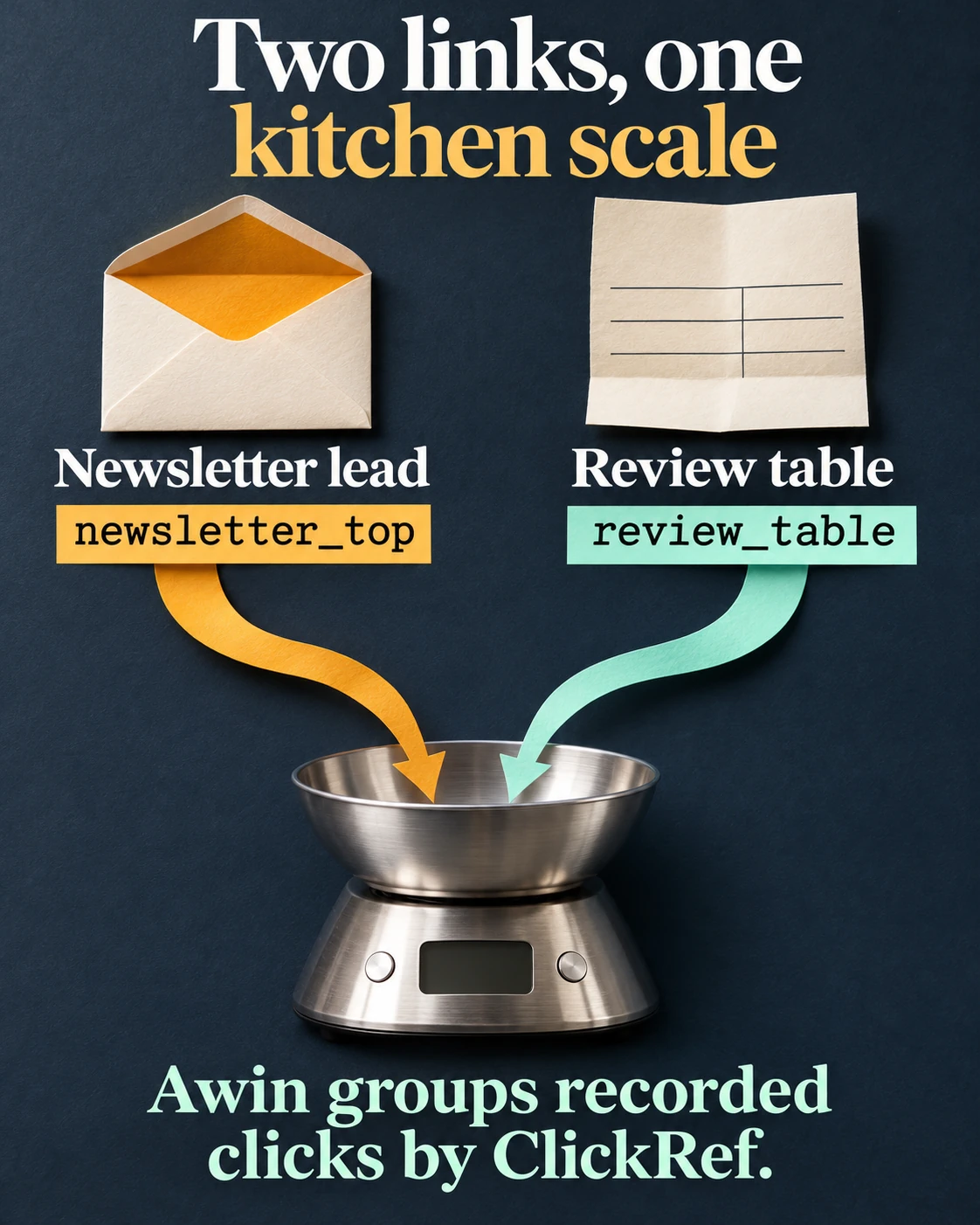
For this example, make two versions of the link in Awin’s Link Builder. Start each with the same clean product URL. Give the newsletter link the standard ClickRef newsletter_top and use it for the lead item in the email. Give the other link review_table and put it beside the kitchen scale in the review. Everyone who opens the newsletter gets the same placement label.
In Awin, open Reports → Click References and choose the advertiser and date range you want to examine. If Awin records clicks on both versions, look for two rows. The Clicks column beside newsletter_top counts clicks recorded with the newsletter label. The row for review_table does the same for the review label. The click count alone cannot confirm an order or a payout. Awin lists clicks and transactions separately in its Click References Report guide.
When the review label seems to be missing
Imagine the newsletter went out on Tuesday and the review table went live on Thursday. A report ending on Wednesday misses the table entirely. Select dates that include Thursday and check the advertiser. When you use Awin’s ClickRef filter, enter the full review_table value. A search for just “review” won’t find it.
Next, compare the link in the sent email with the link actually placed in the review. Suppose an editor copied the newsletter link into both. Each still opens the scale, and clicks on either carry newsletter_top. Replace the link in the review with the version carrying review_table and note when you changed it. For the period before that correction, the newsletter row could include clicks from either placement. You cannot divide them afterwards using that label alone.
For the next edition, keep the generated link beside its intended placement and label in your editorial notes. Compare those entries with each draft while the links are still editable.
Where a UTM goes
A UTM parameter is a campaign label on a destination URL. A retailer using Google Analytics might use utm_medium=email to describe the channel that brought a visit to its site. Within a campaign, utm_content can distinguish two links or creatives. Those values are for the Analytics property that measures the destination. Google explains the fields in its campaign URL guide.
Writing newsletter_top in a retailer’s UTM field alone won’t create a newsletter row in Awin. For that comparison, put the placement in the standard ClickRef. Keep both kinds of labels about the placement or campaign. Google instructs Analytics users to keep personal details out of campaign parameters, including subscriber names and email addresses.
If the retailer shares an Analytics figure for “email”, ask which campaign and dates it covers. That total might include several newsletters. Even for the same dates, a count of visits to the shop and a count of clicks on the scale’s newsletter link measure different things.
Read the two rows fairly
Keep the distinguishing words short. Awin’s report shows the first 50 characters of the standard ClickRef. Two long labels with identical beginnings can end up grouped together. Moving the placement name into clickref2 would also leave it out of this report.
For an individual order, open Awin’s Publisher Transaction Report. A pending transaction still awaits the advertiser’s decision. The approved view includes paid and unpaid transactions, so look at payment status if the question is whether a payment was sent.
If the review row leads, Awin recorded more clicks carrying its label during that period. A click-through rate also needs impressions, counted on a comparable basis for each placement. A subscriber can receive an email without opening it. A reader can visit the review without scrolling far enough to see the table. Without comparable exposure counts, report the labelled clicks and their dates. Affrate’s guide to interpreting affiliate performance claims explains why the audience and comparison period matter.
Awin and Google documentation checked on 20 November 2026.