
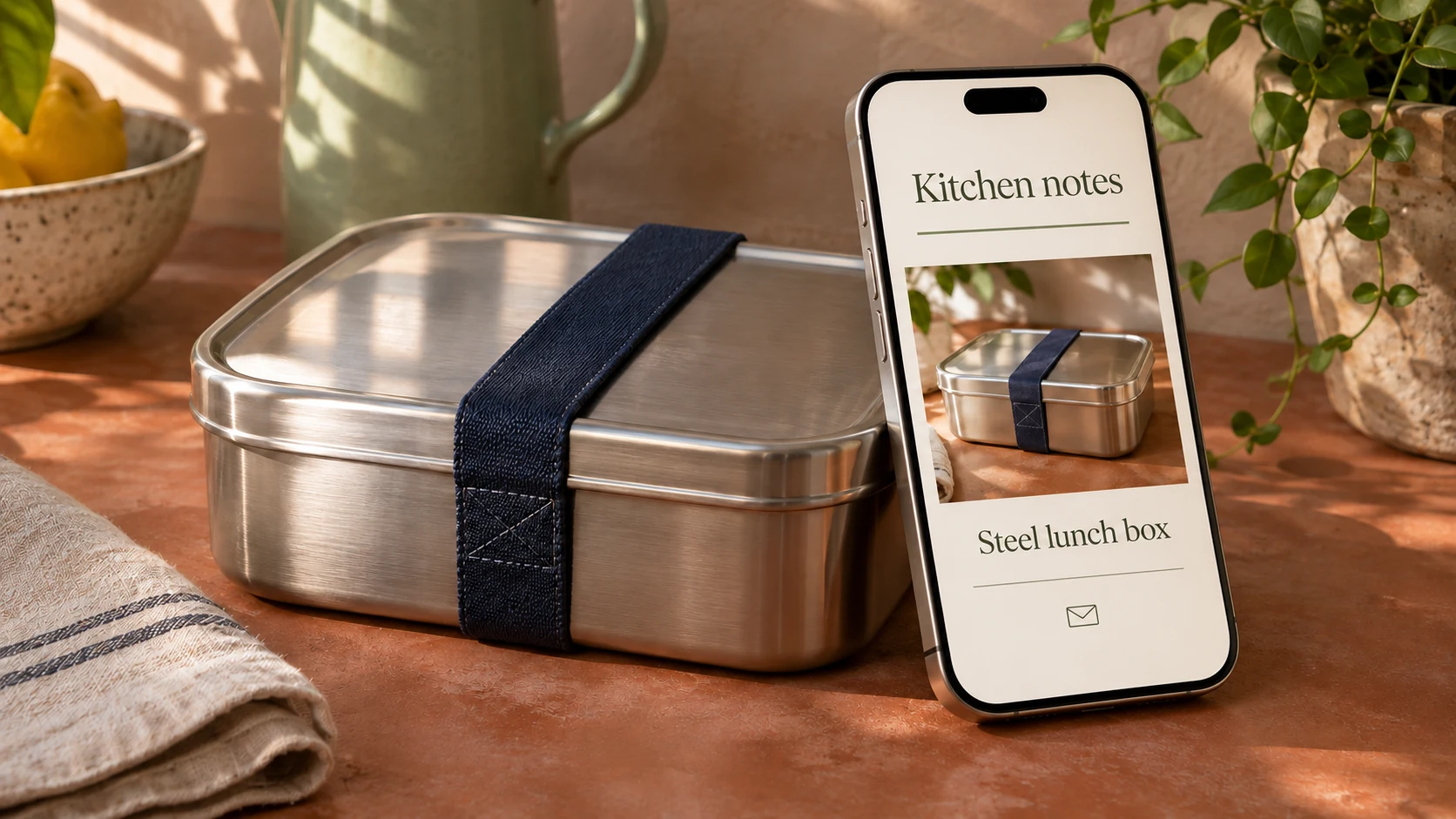

Yes, if you’re in the U.S. Amazon Associates program and the people on your list opted in to receive those emails from you. They also need an easy way to unsubscribe. Amazon’s U.S. help page explicitly includes email among the places you can send a tagged affiliate link, which Amazon calls a Special Link. If a newsletter is your only publishing outlet, there’s a separate question about whether your setup qualifies.
Choose who gets this issue
Suppose you run a kitchen shop and write a newsletter about packing lunch. This week you want to feature a stainless-steel lunch box with a navy fabric strap. Your email tool offers a tempting audience called “All contacts.” It includes a reader who signed up for lunch ideas and product picks, and someone who supplied an address to get a receipt for a thermos. Only the first person has asked for the newsletter.
A customer who also subscribed can receive the issue on the strength of that signup. Leave checkout-only addresses out, and make sure a new customer import hasn’t put someone who unsubscribed back on the send list. An unsubscribe link lets readers change their minds. It can’t supply the permission missing from the first send.
Check a newsletter-only setup
Section 4 of Amazon’s U.S. Participation Requirements permits solicited links in “emails, SMS and direct messaging from your social media Sites.” The help page lists email without that last qualification. And while the Operating Agreement includes websites and social media content in its definition of a Site, it doesn’t list a mailing list as a Site in its own right.
If your whole operation is a newsletter and you can’t establish that it’s covered, give Associates support a question it can answer. Tell them where you publish, what readers sign up for and how the email goes out. Ask whether you can include Special Links in that particular newsletter. The published email provision doesn’t ask you to submit every issue for advance approval.
Put the disclosure where the reader decides to click
Here’s how the fictional kitchen newsletter could introduce the item. The bold words stand in for the publisher’s product link.
“Measure the space at the bottom of your lunch bag before you choose a box. One option to compare is this stainless-steel lunch box with a navy fabric strap. I may earn a commission if you buy through this link. View the lunch box.”
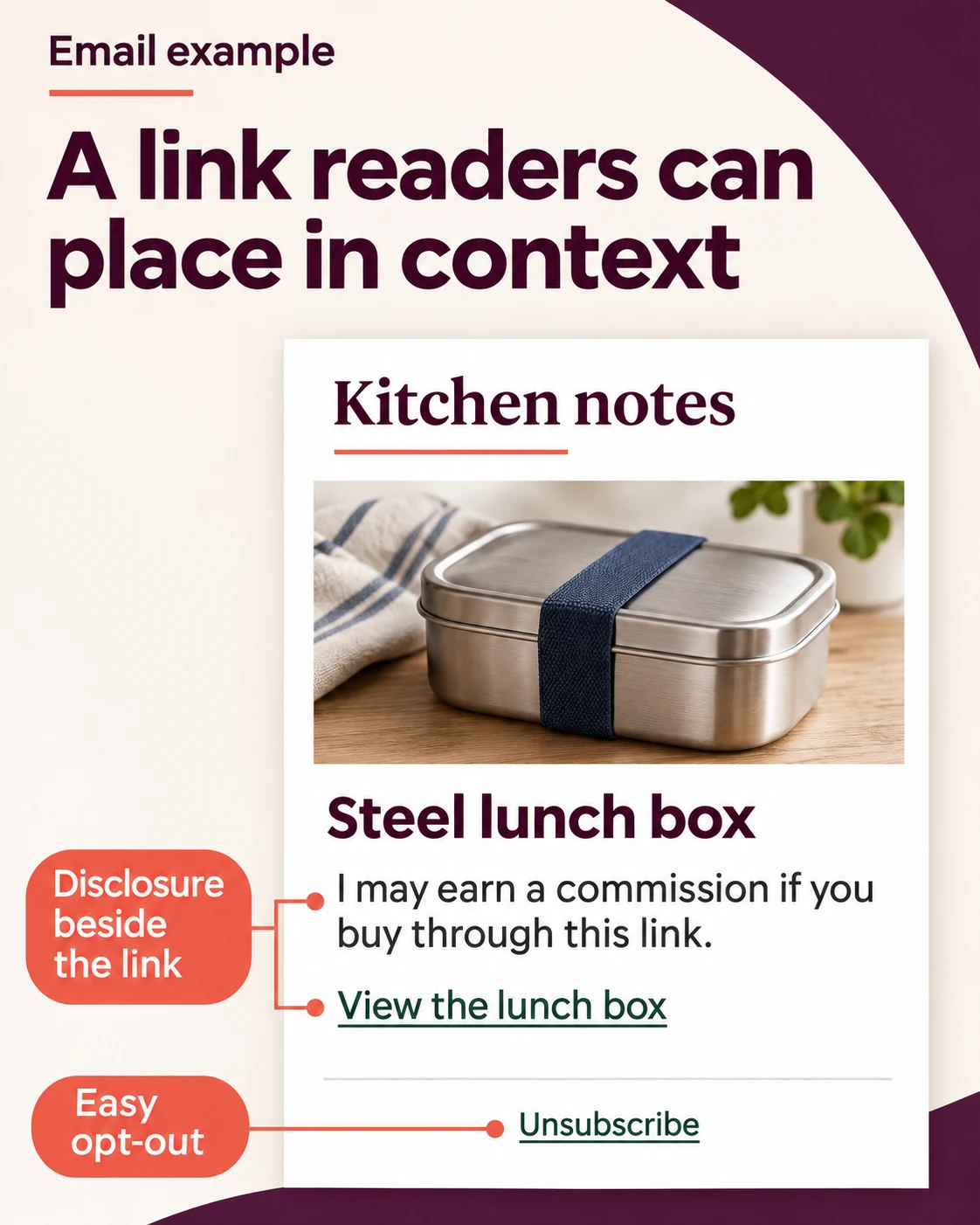
A reader can see who might earn a commission before tapping the link. In its affiliate-marketing example, the U.S. Federal Trade Commission explains why a label such as “affiliate link” or a buy button alone can leave that relationship unclear. The FTC example is about a website. Amazon’s own disclosure guidance calls for disclosure near the link and in the same medium as the recommendation.
Your Site has its own identification requirement. Section 5 of the agreement gives the statement “As an Amazon Associate I earn from qualifying purchases” and also allows substantially similar wording previously permitted under the agreement. Amazon doesn’t prescribe that exact sentence for every email. A reader who goes straight from the inbox to the lunch box may never see your Site statement. Put the commission explanation in the email where that reader needs it.
Choose the picture separately from the link. Use a photo you took or one you have permission to publish in the newsletter. If your only image is copied from the Amazon listing, run the item as text. Amazon’s program content license limits where that material can be displayed, and its trademark guidelines prohibit the licensed Amazon Marks in email. You can describe where the reader is going in your own words and leave the Amazon logo off the button.
Open the email your subscribers will receive
Send the finished issue to a subscribed test address you control. Open it on your phone with images turned off. Can you still tell what the link opens and who might earn a commission? Then turn images back on. If your template made the lunch-box photo clickable above the disclosure, move the explanation up or remove the link from the photo. Follow the text link to check the destination. Unsubscribe from the test message, then check that the address drops out of the next newsletter audience.
I’d keep the delivered issue and the signup wording together. Under Amazon’s participation requirements, you are the sender for applicable marketing laws. If Amazon requests them, you must supply representative sample materials and a written certification of compliance in the form Amazon specifies. A saved copy shows what subscribers actually received that day.
One advantage of the lunch-box example is that it doesn’t promise a price you’ll have to defend a week later. If you do include a time-limited offer, decide what you’ll update when the deal expires. You can update a landing page you control and stop queued repeats. The copy already in a reader’s inbox stays as sent.
If your setup is covered, the test works and you can select the people who asked for product picks, send the issue to that group. If all you can select is “All contacts,” keep the draft until you can tell who subscribed.
Sources checked November 21, 2026.


